Print templates to download
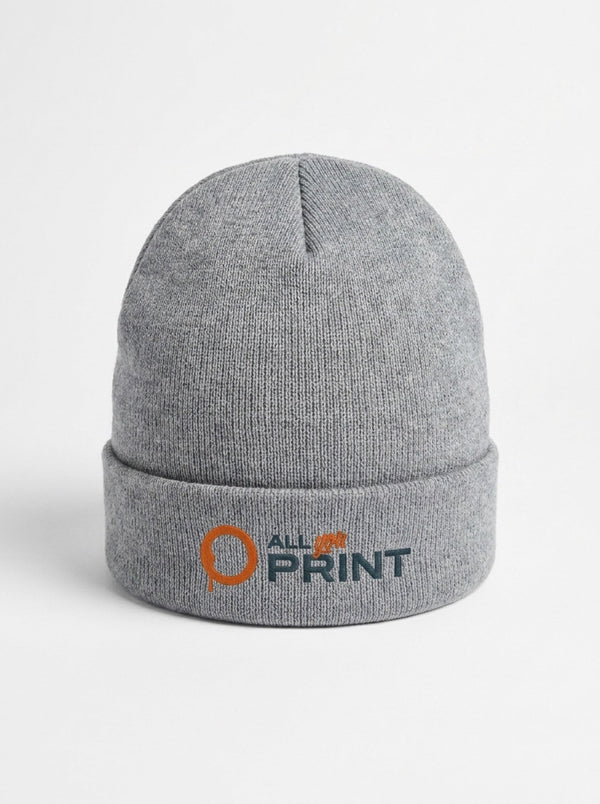
With a print template you no longer need to work out dimensions or guess the margins. For 17 products we provide our own templates as PDFs, in German and French. Each template covers one specific size and shows what matters in print: the finished size after trimming, the slightly larger document size that includes the bleed, and the safety margin for text and logos. The list further down shows every product with a template: flyers, folded leaflets, posters and postcards, indoor and outdoor stickers, labels on a roll, notepads, saddle-stitched magazines, mugs, beanies, polo shirts and hoodies.
How to use a print template
- Choose the product and size: on the product page, set the size and version. The matching template then appears.
- Download the template: in the ‘Print file template’ box, click ‘Download template’.
- Open the template: open the PDF in your layout software, such as InDesign, Illustrator or Affinity, or place it as the bottom layer of your document.
- Set up the document: create it at the document size and choose portrait or landscape at this stage. Rotated pages in the final PDF cause errors.
- Fill the bleed: backgrounds and images that run off the edge extend to the outer line, so no thin white edge remains after trimming. The bleed depends on the product and is usually between 1 and 3 mm; the template gives the exact value.
- Respect the safety margin: keep text, logos and key image areas inside the safe zone, because small tolerances are normal when cutting.
- Export as a PDF: hide the template guides so they are not printed. Export in CMYK, with images at 300 dpi at final size and fonts embedded. The configurator accepts PDF, TIFF and JPEG.
- Upload the file: upload it in the configurator of the same product and size.
- Check before production: every file is checked before printing. If the check finds a problem, you see it in the configurator and can upload a corrected file.
Points to note by product
- Folded leaflets, notepads and magazines: arrange the pages in the right order, starting with the cover, and do not mix portrait and landscape.
- Labels on a roll: the template shows the possible winding directions. Orient your design to match the variant you order.
- Mugs: the template shows the printable area and its position relative to the handle.
- Clothing: the template sets out the print positions, such as left chest or centre back, and the maximum design size. Embroidery follows its own rules, for example vector graphics only and spot colours.
No template for your product?
For all other products, the configurator shows the exact dimensions of the variant you choose; for a custom size, you enter the width and height in millimetres yourself. Create your document at the finished size and add bleed on every side. Business cards, for example, come in the common Swiss size of 85 × 55 mm, but also in 90 × 50 mm, square at 55 × 55 mm or slim at 70 × 30 mm. All dimensions are brought together in our guide to print sizes. Would you rather hand over the layout? Our design service takes care of it from CHF 29.
CMYK, resolution and fonts are covered in our guide How to prepare print files. Terms such as document size or bleed are explained in our printing glossary.